← Back to Posts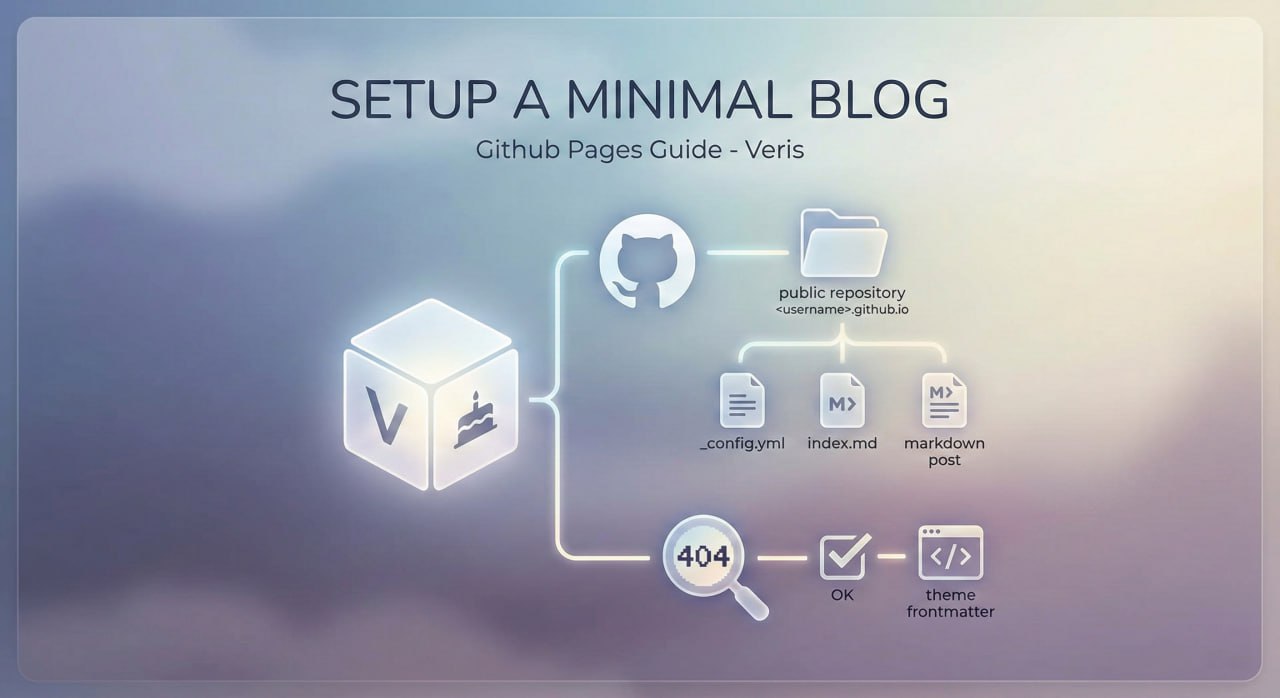
Setup a minimal blog site using Github Pages
Steps
- Having a Github account
- Follow skills/github-pages to learn Github Pages
- Create a public repository called
<yourusername>.github.io - Make sure Github Pages for this repo is enabled
- Add
_config.ymlonto themainbranch - Add
index.mdonto themainbranch - Put a markdown as a new post under
_posts - Ensure the 3 files are properly configured
- Now visit your new blog site at
https://<yourusername>.github.io
Issues
Visiting the site and 404 displayed
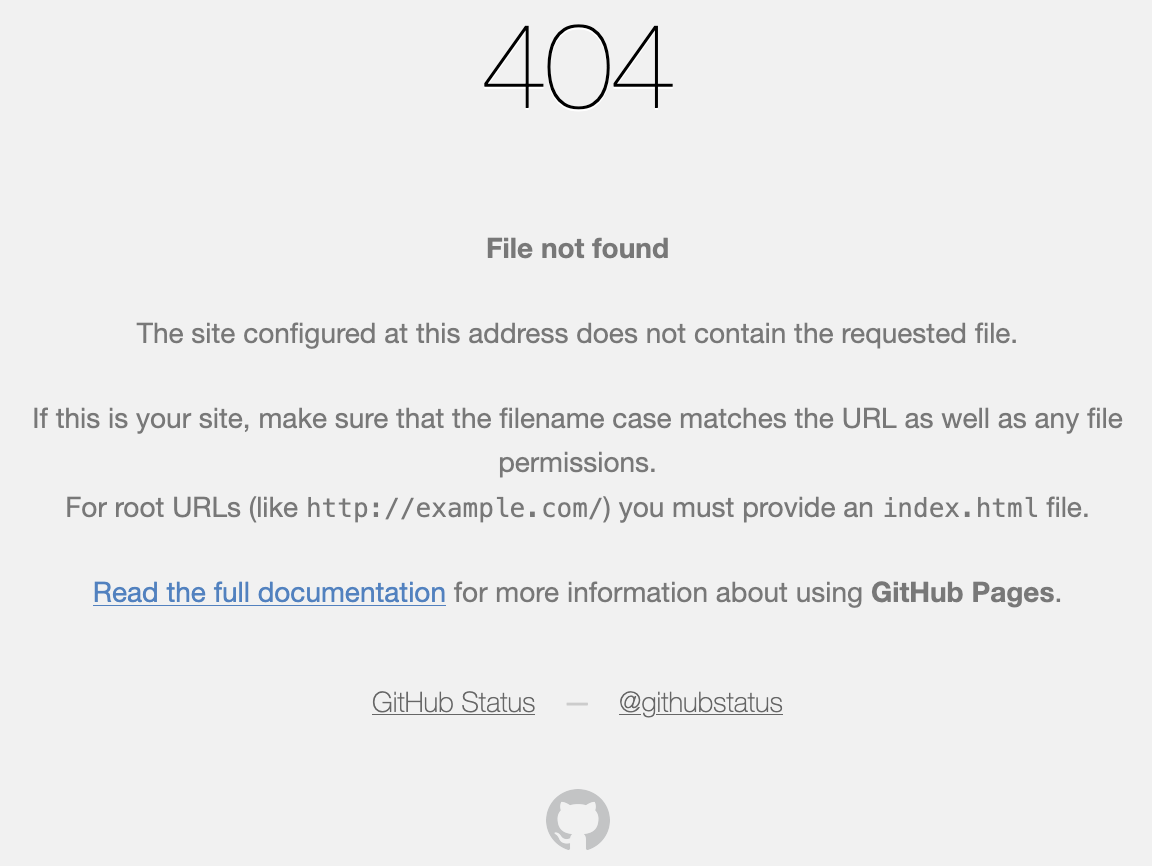
Fix: At least add theme frontmatter to the index file.
Written blog not displayed

Fix:
- Make sure
_config.ymlwith theme is configured - Make sure posts use "-" for separators
- Beware that if time zones are correct